Julia’s younger ecosystem sometimes lacks packages for specialized tasks. The solution: leverage R packages directly from Julia through RCall.jl, enabling seamless interoperability between the two languages.
Installation
] add RCall
Running R Code from Julia
Interactive Mode (REPL)
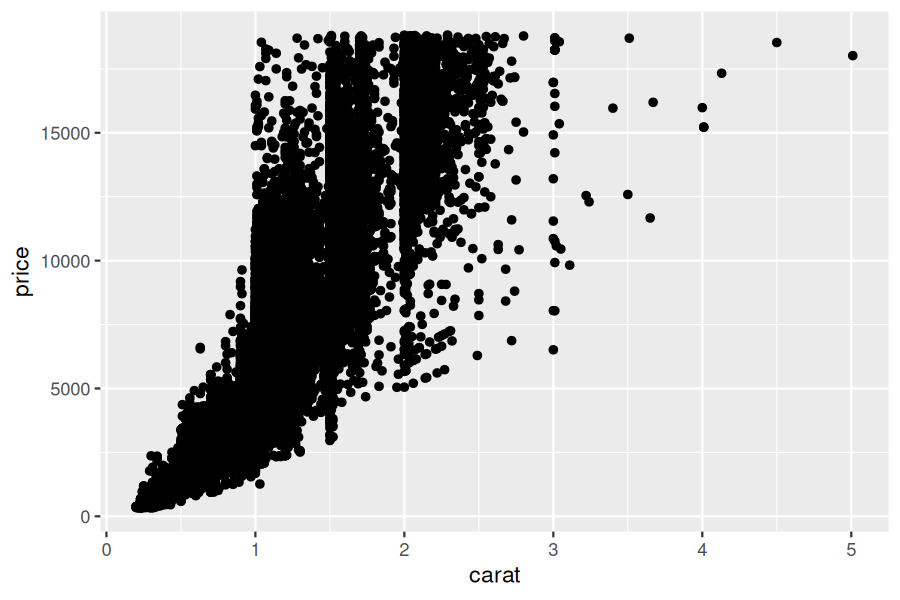
After importing RCall, access the R REPL by typing $. The prompt switches from julia> to R>, allowing native R commands:
usingRCall# type `$` to enter R modeR>library(ggplot2)R>data(diamonds)R>ggplot(diamonds, aes(x=carat, y=price)) +geom_point()
Non-Interactive Mode
The @R_str macro executes R code programmatically:
usingRCallR"y = 2"
Precompiling packages...
    979.1 ms  ✓ QuartoNotebookWorkerTablesExt (serial)
  1 dependency successfully precompiled in 1 seconds
Precompiling packages...
    982.1 ms  ✓ QuartoNotebookWorkerLaTeXStringsExt (serial)
  1 dependency successfully precompiled in 1 seconds
Precompiling packages...
   3774.4 ms  ✓ QuartoNotebookWorkerRCallExt (serial)
  1 dependency successfully precompiled in 4 seconds